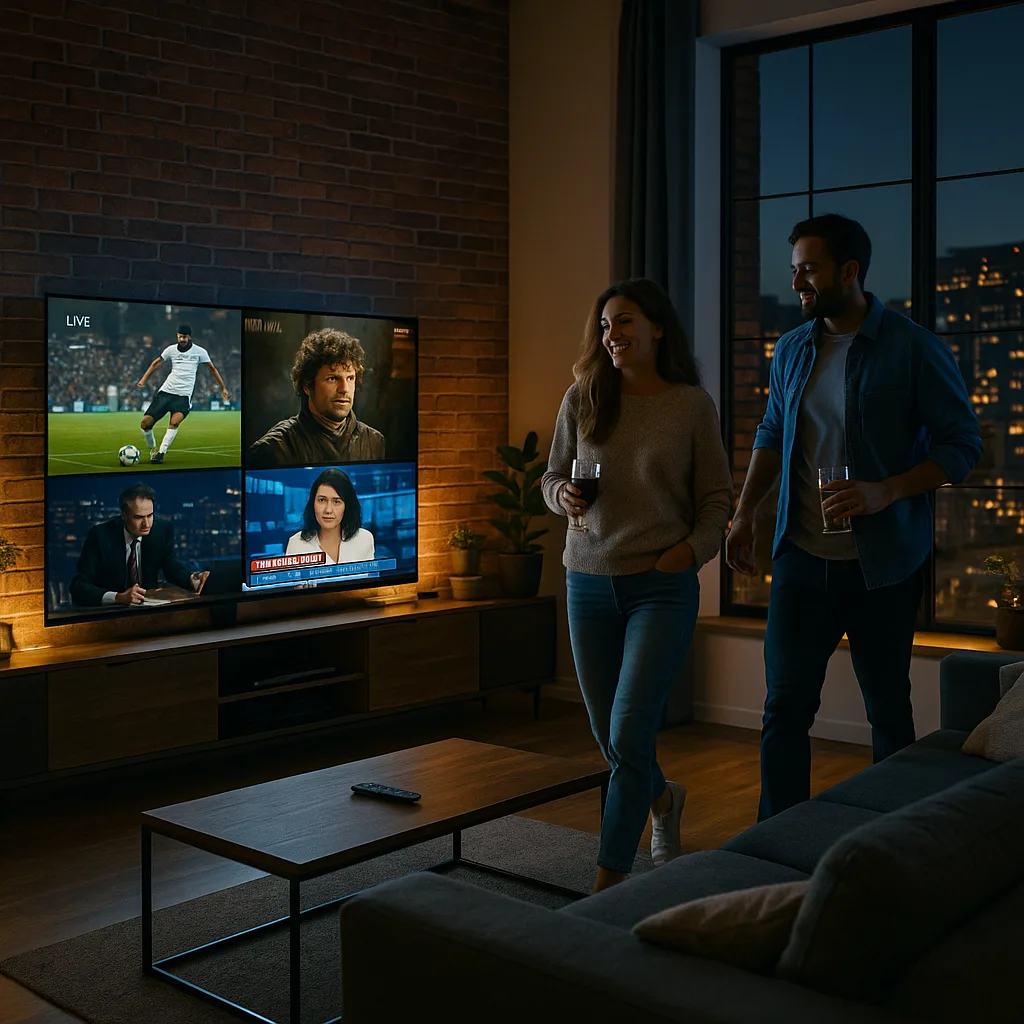
Choosing a streaming option shouldn’t feel like guesswork. You want consistent picture quality, predictable pricing, and a setup that works on every screen you own—without the “why is it buffering again?” moment right when the match starts. The smartest way to decide is to treat it like a purchase you’ll use daily: test it, measure it, and confirm how it behaves during real peak hours. This guide walks you through the practical checks that separate hype from dependable performance, so you can pick a solution that fits your household and your internet connection.
Better Streaming Service
Better streaming service checklist: what “better” really means
A service is only “better” if it’s better for you. Use this quick definition before comparing providers:
- Reliability: stable streams at busy times (evenings/weekends)
- Quality: consistent HD/4K where available, without constant drops
- Usability: fast app navigation, sensible categories, good search
- Compatibility: your TV sticks, smart TVs, mobiles, tablets, browsers
- Support: clear setup help, responsive troubleshooting
- Value: fair price for the channels/features you actually use
If you want a simple baseline for performance expectations and real-world user questions, skim updates and industry notes on our internal news hub: https://allsharemedia.com/latest-news/
How to test performance during the hours that matter
A better streaming service will behave well when everyone else is streaming too. Don’t only test at lunchtime on a weekday.
- Run a peak-hour trial
Test between 7–11pm local time for at least two evenings. Watch three different channel types:
- Live sports or events
- News (quick channel switches)
- A long-form stream (30–60 minutes)
- Measure your connection honestly
Do a quick speed test on the same device you’ll use for streaming. Then repeat on Wi-Fi and (if possible) Ethernet. Many “service” issues are actually local network congestion. - Stress-test channel switching
Rapidly switching channels exposes weak infrastructure. If channel changes consistently stall or spin, note it.
Pricing and plans: avoid paying for what you won’t watch
The best deal isn’t the lowest monthly price—it’s the lowest cost for the experience you want.
Compare:
- Number of connections allowed at once
- Device limits and login rules
- Add-ons you actually need (sports packs, VOD libraries, catch-up)
- Upgrade/downgrade flexibility
If you’re comparing plan structures and how bundles are typically presented, reviewing plan pages from established brands can help you see what “normal” looks like. For example: https://streamlinkpro.com/our-viewing-plans/
Streaming quality: resolution is not the whole story
Many providers advertise 4K, but your day-to-day experience depends more on bitrate stability and delivery consistency than a label.
Look for:
- Smooth motion with minimal macroblocking (especially in sports)
- Audio staying in sync (no lip-delay drift)
- No sudden resolution drops every few minutes
A better streaming service should feel “boringly stable”—you stop thinking about the stream and just watch.
Device compatibility: prevent the hidden friction
Before committing, confirm support for the devices you actually use:
- Fire TV / Android TV
- Apple TV
- Smart TVs (Samsung/LG)
- iOS/Android phones
- Web browser playback (if you care about laptops)
Also check whether the provider supports your preferred player/app type and whether setup steps are documented clearly. For general guidance on how we approach streaming setup and user experience, start here: https://allsharemedia.com/
Support and troubleshooting: the difference between a good week and a bad month
Support is easy to ignore until you need it. Evaluate it like a feature.
A quick support “audit”:
- Is there a clear setup guide for your device?
- Do they publish common fixes (buffering, login, EPG issues)?
- Can you reach a human within a reasonable time window?
- Do they communicate outages transparently?
If your household watches live events, a better streaming service is often the one with fast, competent troubleshooting—not the one with the flashiest claims.
Mini case study: cutting buffering by fixing the right bottleneck
Scenario:
A Dublin household had frequent buffering on a 4K smart TV, especially during prime time. They assumed the provider was the problem because daytime playback looked fine.
What we tested:
- Speed test on the TV over Wi-Fi: inconsistent results, big dips
- Same test on a phone in the same room: better but still variable
- Ethernet to the TV: stable throughput
What changed:
- Moved the router slightly (less wall interference)
- Switched the TV to Ethernet where possible
- Limited heavy downloads during peak viewing
Result:
The household’s experience improved immediately, and they could fairly judge the provider’s stability at night. In the end, they chose a better streaming service based on peak-hour behavior after their home network stopped being the bottleneck.
A simple comparison scorecard you can copy
Rate each provider from 1–5 after a two-day trial:
- Peak-hour stability: __/5
- Channel switching speed: __/5
- Video consistency (drops/blur): __/5
- Device compatibility: __/5
- Support responsiveness: __/5
- Plan value for your needs: __/5
Total: __/30
If two options are close, pick the one with stronger stability and support. That’s where long-term satisfaction usually comes from.
Common red flags to watch for
You’ll save time by avoiding these patterns:
- “Unlimited everything” with no technical specifics
- No trial, no clear refund policy, or vague plan terms
- Constant channel reordering or missing categories
- Support that only responds with generic copy-paste steps
- Performance that collapses every evening
A better streaming service will be upfront about limitations, compatible devices, and realistic performance expectations.
FAQ
What internet speed do I need?
It depends on resolution and how many screens run at once. As a rule, stable speed matters more than maximum speed. If your Wi-Fi is inconsistent, you can see buffering even with a fast plan.
Why does it buffer only at night?
Evenings are peak usage hours. This can reveal provider congestion or weaknesses in your home network. Test both: try Ethernet and compare multiple nights.
Is 4K always worth it?
Not if it causes constant drops. Many viewers prefer stable 1080p over unstable “4K” that keeps stepping down.
How do I compare services fairly?
Use the same device, the same network, and the same time windows. Track stability, channel switching, and sync issues over at least two peak-hour sessions.
Where can I read more industry updates and streaming tips?
Check our updates page for ongoing notes and practical guidance: https://allsharemedia.com/latest-news/
Want credible external context on streaming and broadband realities?
For broader reporting and analysis, see BBC coverage of consumer tech and connectivity, and TechCrunch for streaming/business updates. (Examples: https://www.bbc.com/ and https://techcrunch.com/)